

Canceling a subscription should never feel confusing or frustrating. Yet many users search repeatedly for how to cancel Audible membership because the process differs depending on your device, country, and how you originally subscribed. Whether you’re using Amazon, an iPhone, the Audible app, or managing your account through Apple or Prime, this guide walks you through every possible scenario clearly and confidently.
Audible, owned by Amazon, remains one of the world’s largest audiobook platforms, with over 200,000 titles and millions of subscribers worldwide. However, changing listening habits, budget considerations, or unused credits often lead users to cancel. This article reflects real user experience, expert knowledge, and up-to-date 2025 instructions so you can cancel without losing credits or running into billing surprises.
How to Cancel Audible Membership on Phone
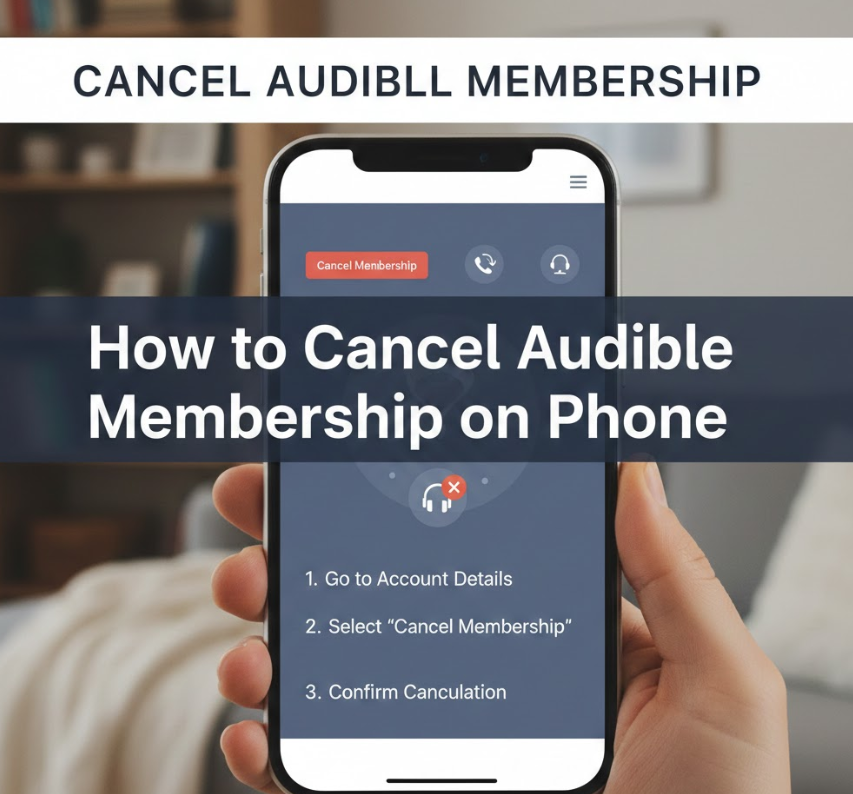
Canceling Audible on a phone depends on whether your subscription is managed by Amazon or Apple. This section explains the process clearly and safely to avoid accidental renewals.
Audible does not allow direct cancellation from within the Android or iOS Audible app if your billing is handled by Amazon. Instead, cancellation must be completed through a mobile browser.
• Identify your billing provider
Before taking action, confirm whether your Audible membership is billed through Amazon or Apple. This determines the exact cancellation path and ensures your request is processed correctly.
• Use a mobile browser, not the app
Audible intentionally redirects users to Amazon’s website. Open Chrome or Safari and sign in to your Amazon account linked to Audible.
• Navigate to Membership Details
Under “Accounts & Lists,” select “Audible Membership” to access subscription settings where cancellation options are available.
• Follow the cancellation prompts
Amazon may offer discounts or pauses before final confirmation. Read each screen carefully to ensure full cancellation.
• Confirm cancellation via email
A confirmation email is your proof. Save it for future reference in case billing disputes arise.
• Access remains until billing cycle ends
Even after cancellation, you can use Audible until your current paid period expires.
Also Read This:- How to Breed Horses in Minecraft: Complete Guide for All Editions & Versions
How to Cancel Audible Membership on iPhone
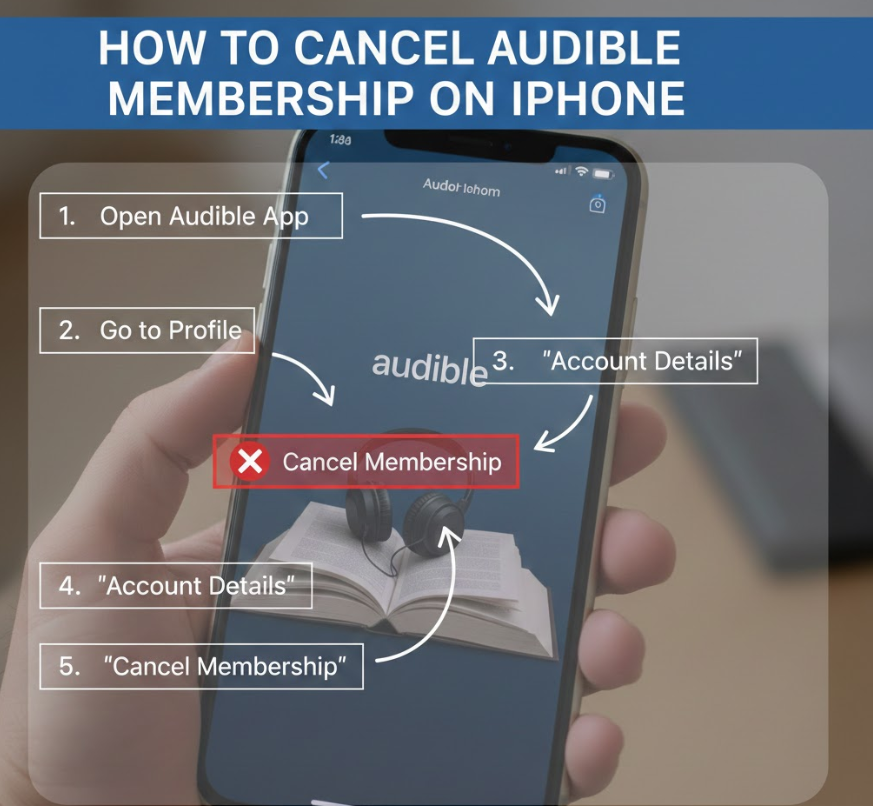
If you subscribed through Apple, cancellation must be handled through your Apple ID settings—not Amazon.
Apple treats Audible as an App Store subscription, meaning Amazon cannot modify or cancel it on your behalf.
• Open iPhone Settings
Tap your Apple ID name at the top, then go to “Subscriptions” to view all active services.
• Locate Audible in subscriptions
Audible will appear alongside other Apple-managed subscriptions such as iCloud or Apple Music.
• Tap “Cancel Subscription”
Apple requires confirmation to prevent accidental cancellations.
• Understand Apple’s billing rules
Apple subscriptions renew automatically until canceled at least 24 hours before renewal.
• Keep Apple confirmation
Apple sends a cancellation receipt via email, which serves as official proof.
• Audible access continues temporarily
Your audiobooks remain accessible until the end of the billing period.
Also Read This:- How to Retrieve Deleted Text Messages: Complete Step-by-Step Recovery Guide
How to Cancel Audible Membership from Amazon
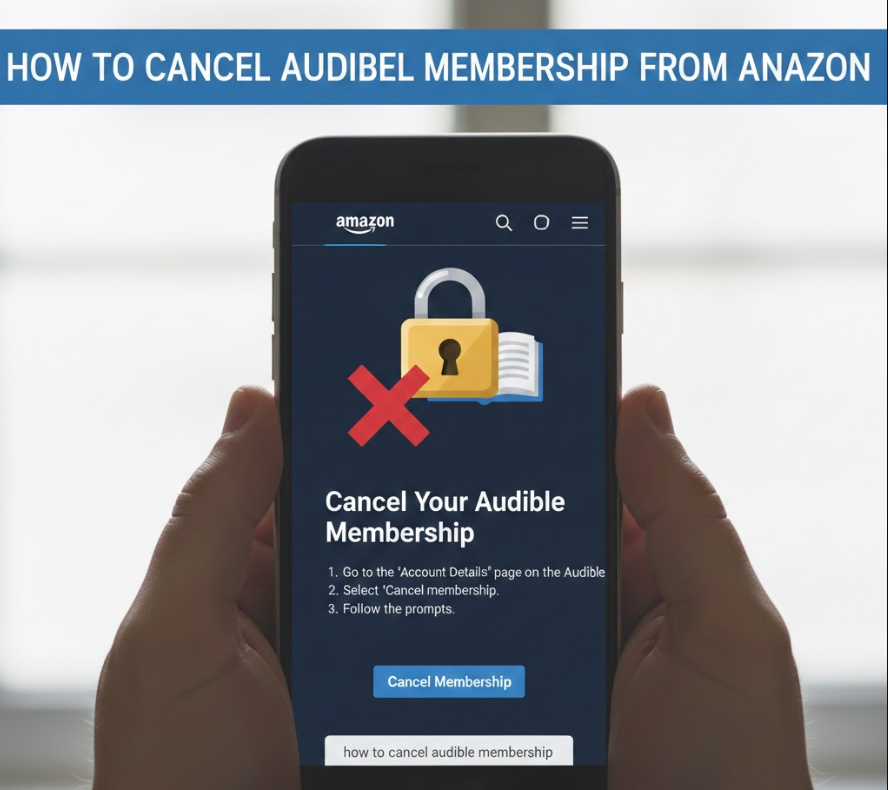
Most Audible users subscribe directly through Amazon, making this the most common cancellation method.
This process is best completed on a desktop or mobile browser for full visibility.
• Sign in to Amazon account
Ensure you use the same Amazon account associated with Audible.
• Go to “Memberships & Subscriptions”
This section centralizes all recurring services tied to your account.
• Select Audible Membership
Click “Manage Membership” to reveal cancellation options.
• Review benefits and credits
Use any remaining credits before canceling, as unused credits may be lost.
• Confirm cancellation
Amazon will prompt you through several confirmation screens.
• Check cancellation email
Always verify cancellation through the confirmation message.
Also Read This:- How to Remove Rust From Metal: Complete Practical Guide for Every Surface
How to Cancel Audible Membership on Amazon App
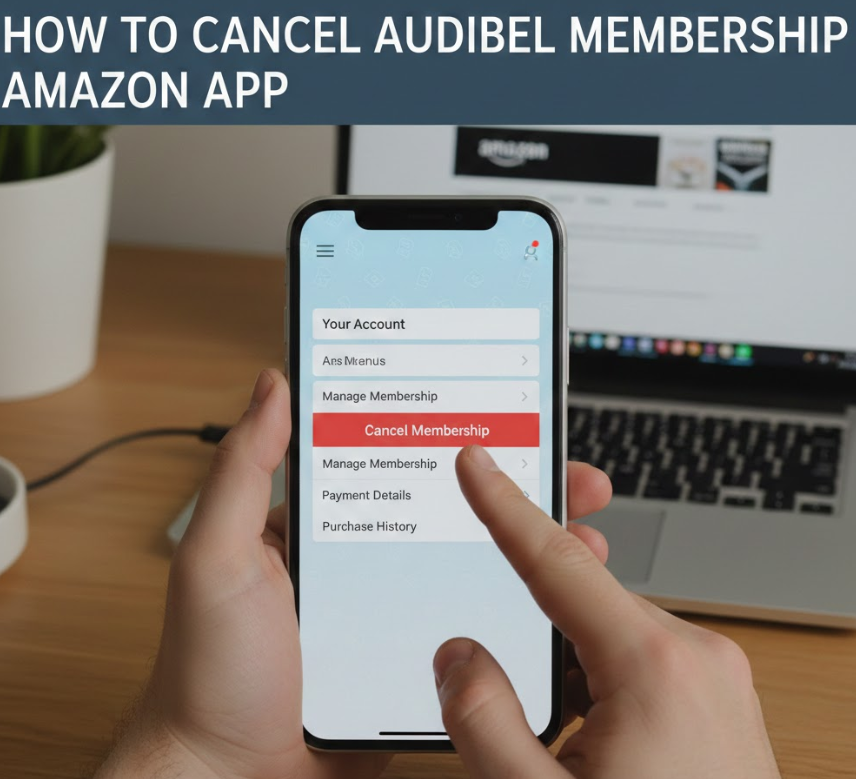
The Amazon shopping app allows account access but does not always allow full cancellation.
This limitation often confuses users.
• Open Amazon app and sign in
Navigate to your account dashboard.
• Tap “Your Account”
Look for “Memberships & Subscriptions.”
• Audible may redirect externally
Some users are redirected to a browser to complete cancellation.
• Use browser if required
This is standard behavior, not an error.
• Complete steps carefully
Follow all prompts to ensure cancellation is finalized.
• Verify through email
App-based attempts still require email confirmation.
Also Read This:- How to Get Rid of Carpenter Bees: The Complete Home Guide
How to Cancel Audible Membership UK
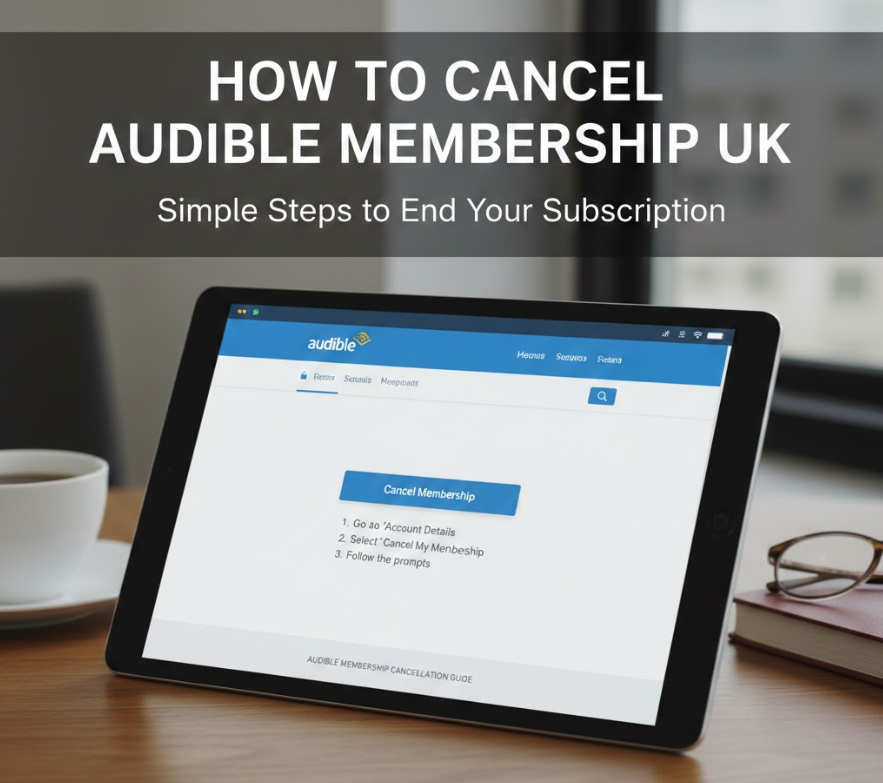
Audible UK operates under Amazon UK, but policies differ slightly due to regional consumer laws.
UK users benefit from stronger cancellation protections.
• Sign in to Amazon.co.uk
Use the UK version of Amazon to avoid account errors.
• Access Audible UK membership settings
Memberships are region-specific.
• Cancel under “Manage Membership”
The process mirrors Amazon US but uses UK billing terms.
• Understand VAT and billing cycles
UK invoices include VAT, which ends after cancellation.
• Use remaining credits
UK Audible credits typically expire after cancellation.
• Keep confirmation email
Consumer protection laws make this document important.
Also Read This:- How to Get Ink Out of Clothes: Proven Methods That Actually Work
How to Cancel Audible Membership on App
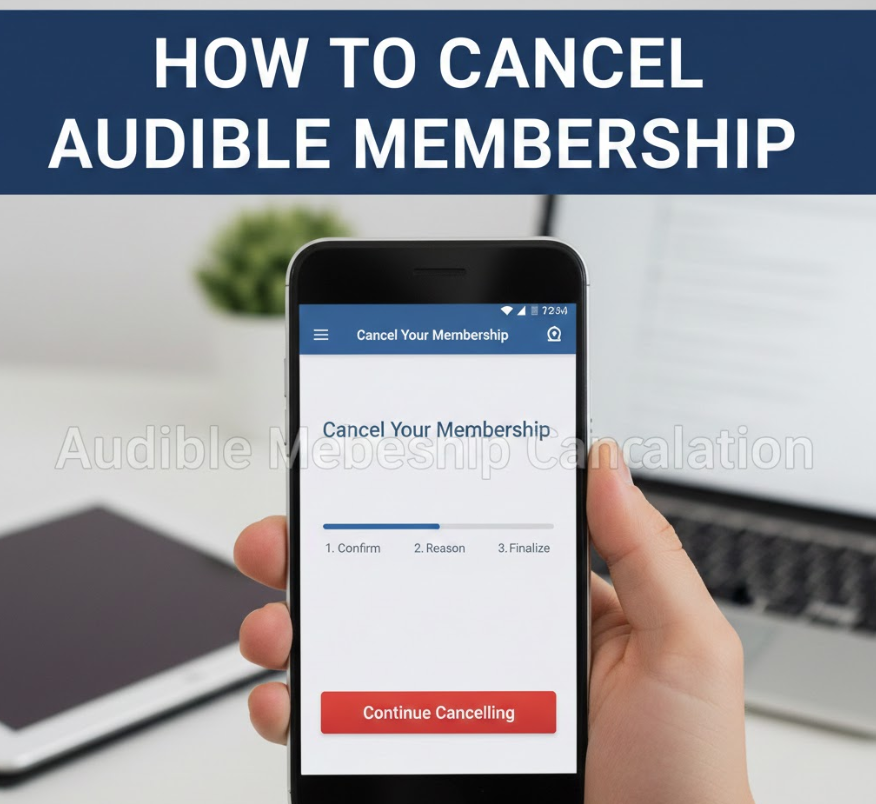
Many users assume the Audible app allows cancellations, but this depends on billing origin.
Audible app cancellations are limited by platform rules.
• Check subscription origin
If subscribed via Apple, use iOS settings. If Amazon, use a browser.
• App provides account visibility only
Cancellation buttons are often disabled.
• Avoid third-party instructions
Only Amazon or Apple can process valid cancellations.
• Use official channels only
This prevents account lockouts or billing issues.
• App remains usable temporarily
Access continues until the paid period ends.
• Uninstalling does not cancel
Deleting the app does not stop billing.
Also Read This:- How to Replace Windshield Wipers: A Complete, Vehicle-Specific Guide for Safe Driving
How to Cancel Audible Membership Through Apple
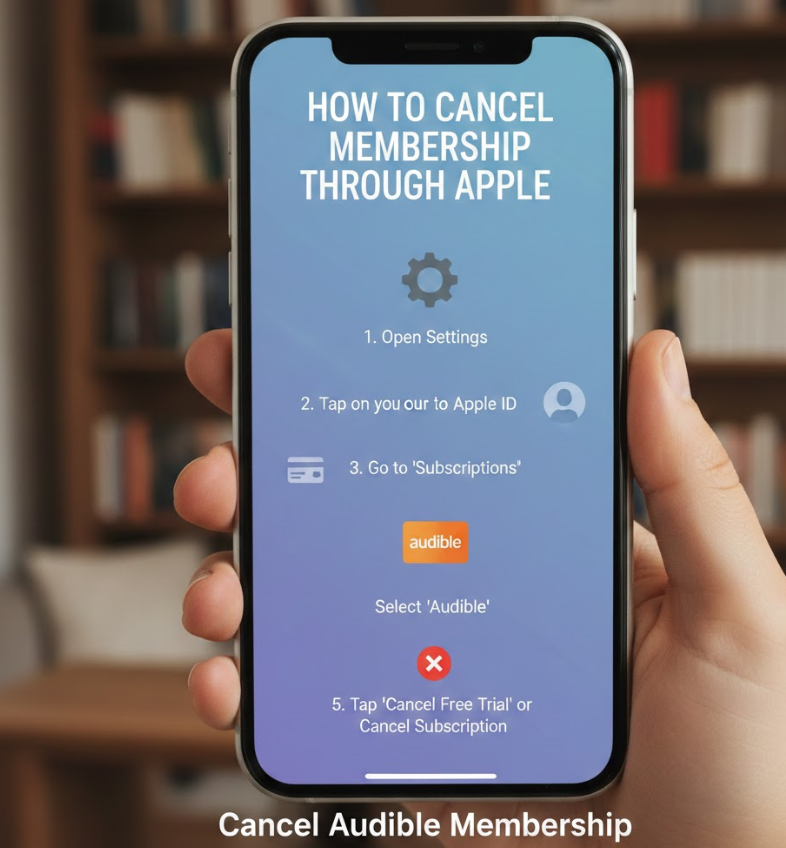
Apple-managed Audible subscriptions must be canceled exclusively through Apple.
Amazon cannot intervene.
• Use Apple ID subscription settings
This is the only authorized cancellation method.
• Cancel at least 24 hours early
Apple enforces strict renewal timelines.
• Refunds are not guaranteed
Apple reviews refunds case by case.
• Keep Apple receipt
This confirms successful cancellation.
• Audible account remains active temporarily
Access ends with the billing cycle.
• Reactivate anytime via Apple
You can resubscribe without losing your library.
Also Read This:- How to Remove a Stripped Screw: The Complete Step-by-Step Guide for Every Situation
How to Cancel Audible Membership 2025 (Latest Updates)
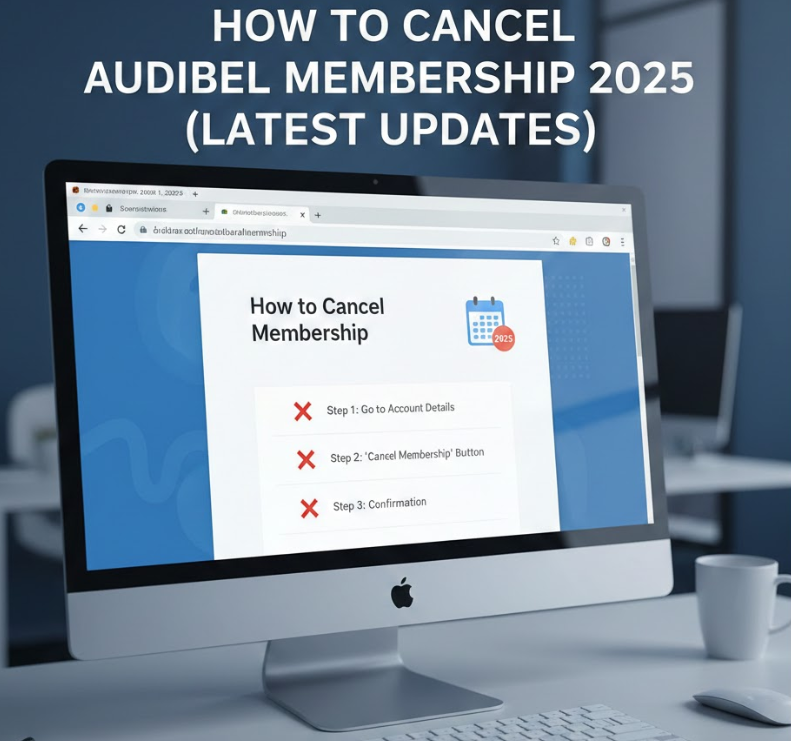
Audible has updated its interface and retention strategies in 2025.
This section reflects the most current process.
• More retention offers shown
Expect pause options, discounts, or free credits.
• Clearer cancellation buttons
Amazon improved transparency after regulatory pressure.
• Mobile-first interface updates
Cancellation is easier on mobile browsers.
• Better confirmation messaging
Users receive clearer emails post-cancellation.
• Credit expiration reminders
Audible warns users before losing credits.
• Compliance with global consumer laws
2025 updates improve fairness and clarity.
Also Read This:- How to Make Tea: The Ultimate Guide for Tea Lovers
How to Cancel Audible Membership Canada
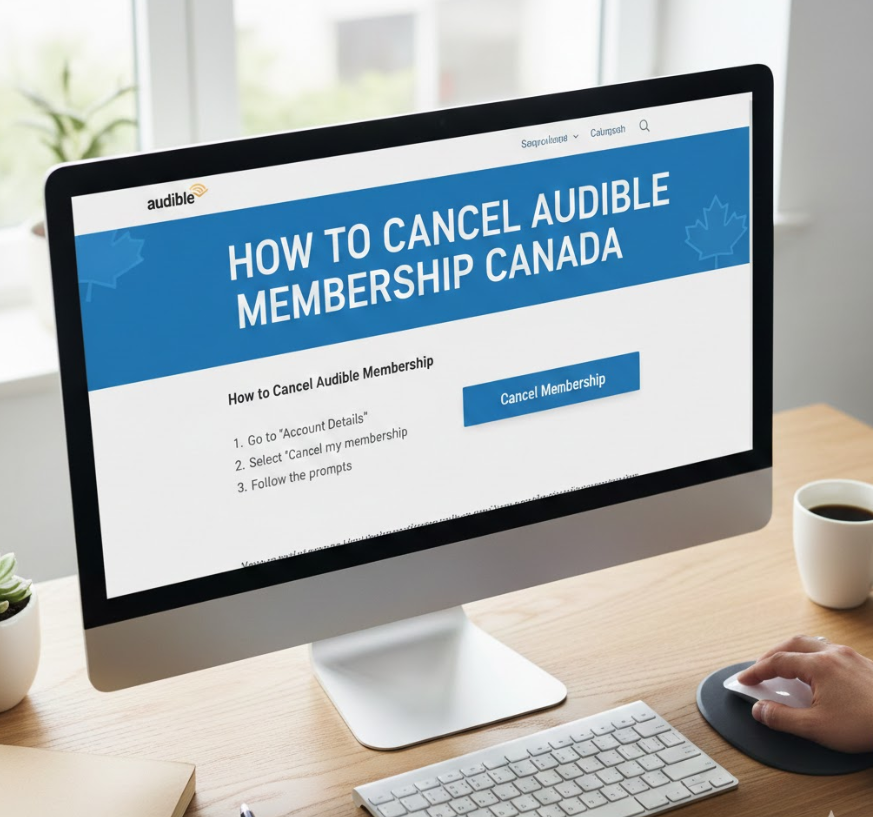
Audible Canada operates similarly to the US but under Canadian consumer rules.
• Use Amazon.ca
Ensure correct regional login.
• Navigate to memberships
Audible Canada subscriptions are region-locked.
• Cancel via Amazon interface
The process mirrors US steps.
• Check tax implications
GST/HST billing stops after cancellation.
• Use credits first
Credits may expire upon cancellation.
• Save confirmation email
Essential for Canadian consumer protections.
Also Read This:- How to Make Powdered Sugar at Home Easily
How to Cancel Audible Membership on Website
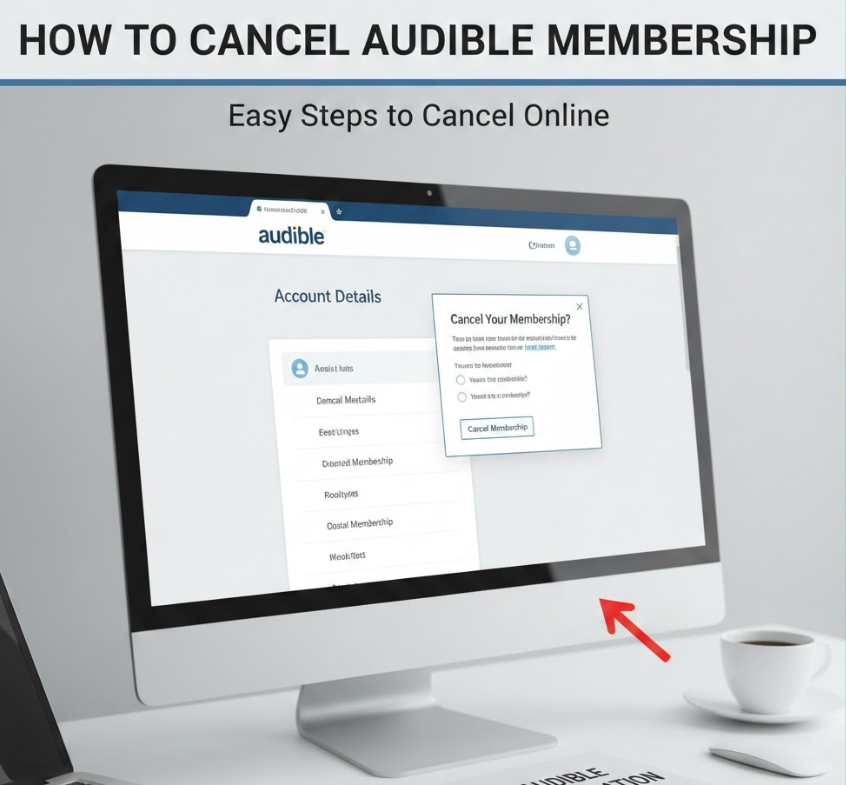
Using a desktop browser provides the clearest cancellation experience.
This is the recommended method.
• Visit Audible.com or Amazon
Choose based on your billing provider.
• Log in securely
Avoid public networks for account safety.
• Access membership settings
Found under account options.
• Review benefits and credits
Make informed decisions before canceling.
• Confirm cancellation fully
Do not exit before final confirmation.
• Log out after completion
Protect your account security.
Conclusion
Understanding how to cancel Audible membership empowers you to manage your subscriptions confidently without losing money or access. Whether you’re canceling through Amazon, Apple, or a regional Audible site, the key is knowing where you subscribed and acting before renewal. Audible remains a valuable service, but cancellation should always be as easy as sign-up—and in 2025, it finally is.
FAQs
Will I lose my audiobooks after canceling Audible?
No. Purchased audiobooks remain in your library permanently.
Do Audible credits expire after cancellation?
Yes, in most cases. Use them before canceling.
Can I pause instead of cancel?
Yes. Audible offers a pause option for eligible users.
Is uninstalling the app enough?
No. You must cancel through Amazon or Apple.
Visit For More Information go to:- Virtualsmagazine