

Accidentally deleting important text messages can be stressful, especially when those messages contain personal memories, legal evidence, or critical business information. Understanding how to retrieve deleted text messages is essential in today’s digital world, where smartphones store vital communication history. Whether you use Android, iPhone, Samsung, or third-party messaging apps like WhatsApp, recovery is often possible if the right steps are taken promptly.
This comprehensive guide explains proven, safe, and ethical ways to retrieve deleted messages across different devices and platforms. It is designed for everyday users, not technicians, and focuses on practical solutions that actually work.
How to Retrieve Deleted Text Messages on Android
Retrieving deleted messages on Android depends heavily on backups, device manufacturer features, and how quickly action is taken after deletion. Android systems do not permanently erase data immediately, which creates a recovery window.
Detailed Explanation
Android phones often store messages locally and in cloud backups through Google services or manufacturer tools. If backups are enabled, recovery is usually straightforward. Without backups, recovery becomes more complex and time-sensitive.
• Check Google Drive Backup
Google Drive frequently backs up SMS messages if enabled. Restoring from a backup requires resetting the phone, but it is one of the most reliable methods. Ensure the backup date predates message deletion.
• Use Google Messages Archive
Sometimes messages are archived, not deleted. Checking the archive section in Google Messages can recover texts instantly without data loss.
• Manufacturer Cloud Services
Brands like Samsung and Motorola include built-in backup tools that sync messages automatically. These backups can restore messages without third-party software.
• Third-Party Recovery Tools
Data recovery software may retrieve messages from internal storage if they haven’t been overwritten. Success varies based on usage after deletion.
• Airplane Mode Immediately
Enabling airplane mode prevents new data from overwriting deleted messages, increasing recovery chances.
• Professional Data Recovery
In critical cases, forensic data recovery services may help, though they are costly and not guaranteed.
Also Read This:- How to Remove Rust From Metal: Complete Practical Guide for Every Surface
How to Retrieve Deleted Text Messages on Android Phone
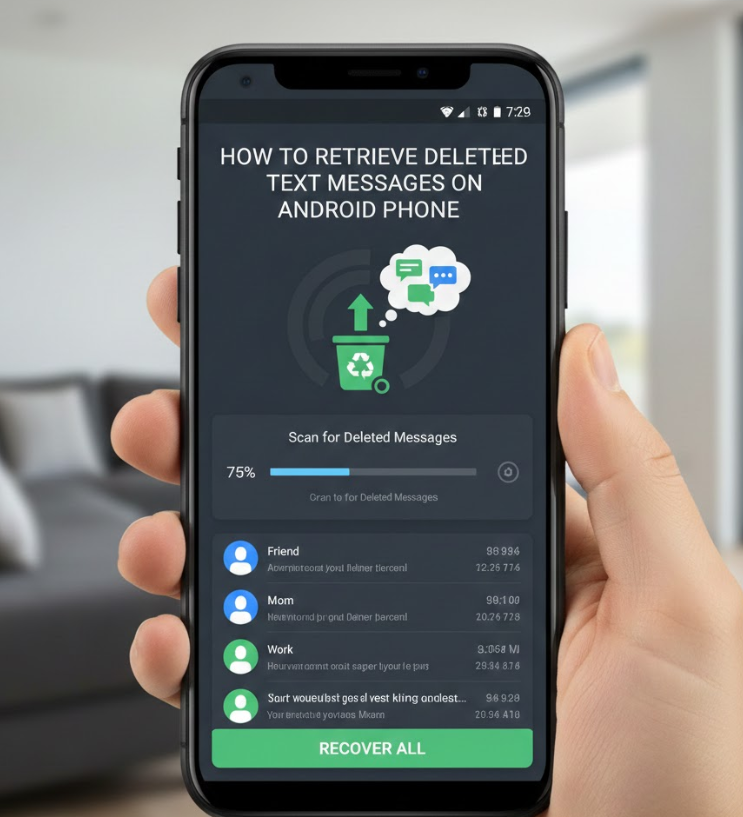
This process focuses on Android phones regardless of brand, emphasizing universal recovery methods.
Detailed Explanation
Android phones share core recovery principles, but the availability of backups and system versions influence success rates.
• Restore from Google Account
During device setup, Android offers the option to restore messages from a Google account backup.
• SIM Card Limitations
Most modern messages are stored on the device, not the SIM, but checking SIM storage is still worthwhile.
• Local Backup Files
Some phones store local backups that can be accessed through file managers.
• USB Debugging Tools
Advanced recovery tools may scan phone memory if USB debugging was enabled prior to deletion.
• Time Sensitivity
Continued phone usage reduces the chance of message recovery.
• Privacy Considerations
Always use reputable recovery tools to avoid data leaks.
Also Read This:- How to Get Rid of Carpenter Bees: The Complete Home Guide
How to Retrieve Deleted Text Messages Android (General Methods)
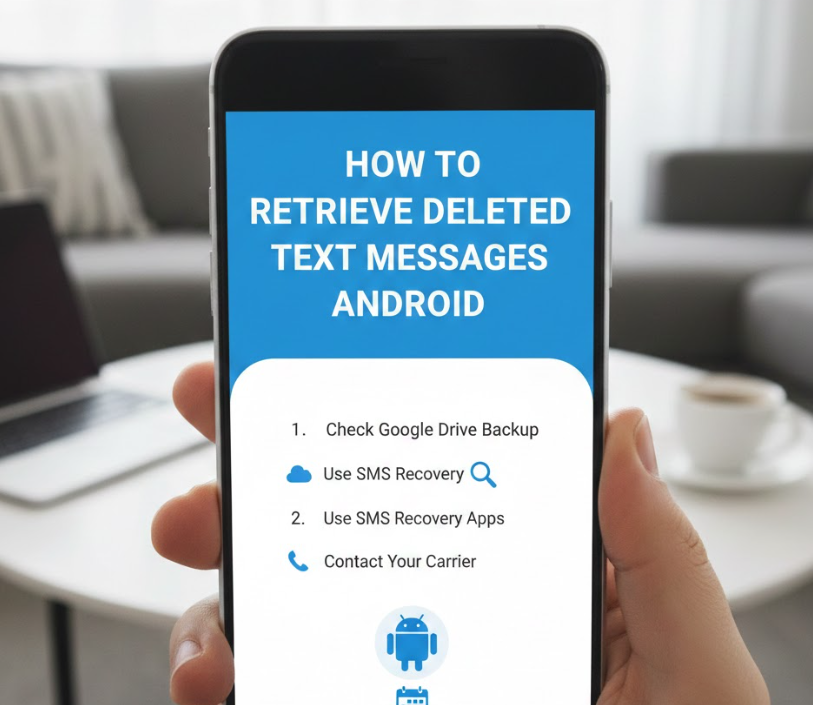
This section consolidates Android-wide strategies applicable across devices and Android versions.
Detailed Explanation
Understanding Android’s data storage behavior helps users make informed recovery decisions.
• Message Deletion Is Logical, Not Physical
Deleted messages remain until overwritten, making early recovery possible.
• Backup Frequency Matters
Daily backups significantly improve recovery success.
• Rooting Risks
Rooting may allow deeper scans but voids warranties and risks data loss.
• Cloud Sync Awareness
Disabling sync after deletion prevents backups from overwriting recoverable data.
• Carrier Records
Mobile carriers may store metadata but rarely message content.
• Legal and Ethical Boundaries
Only retrieve messages from devices you own or have permission to access.
Also Read This:- How to Get Ink Out of Clothes: Proven Methods That Actually Work
How to Retrieve Deleted Text Messages on Samsung
Samsung devices provide additional recovery tools through Samsung Cloud and One UI features.
Detailed Explanation
Samsung’s ecosystem offers more native recovery options compared to stock Android.
• Samsung Cloud Restore
Messages backed up to Samsung Cloud can be restored without wiping the entire device.
• Recycle Bin Feature
Some Samsung messaging apps include a trash folder where messages remain temporarily.
• Smart Switch Backup
Smart Switch backups stored on computers can restore messages.
• Samsung Account Sync
Ensures messages are stored remotely for recovery.
• Galaxy Store Recovery Apps
Samsung-approved tools reduce security risks.
• Samsung Support Assistance
Official support may help guide recovery steps safely.
Also Read This:- How to Replace Windshield Wipers: A Complete, Vehicle-Specific Guide for Safe Driving
How to Retrieve Deleted Text Messages on Samsung S22
The Samsung S22 uses advanced One UI features that improve message recovery.
Detailed Explanation
With enhanced cloud integration, S22 users have higher recovery success.
• Enhanced Samsung Cloud Sync
S22 devices sync more frequently, increasing backup availability.
• Trash Folder Duration
Deleted messages may remain for up to 30 days.
• Secure Folder Considerations
Messages in Secure Folder require separate recovery steps.
• One UI Message Settings
Restore options are accessible within messaging settings.
• Battery Optimization Awareness
Aggressive optimization may interrupt backups.
• Update Compatibility
Keep software updated to avoid backup corruption.
Also Read This:- How to Replace Windshield Wipers: A Complete, Vehicle-Specific Guide for Safe Driving
How to Retrieve Deleted Text Messages on iPhone
Apple provides structured recovery methods through iCloud and iTunes backups.
Detailed Explanation
iPhones rely heavily on backup-based recovery, emphasizing preparation over last-minute fixes.
• Recently Deleted Folder
Newer iOS versions store messages temporarily before permanent deletion.
• iCloud Backup Restore
Restoring from an iCloud backup recovers messages but replaces current data.
• iTunes/Finder Backup
Computer backups allow offline recovery.
• Apple ID Security
Access to the correct Apple ID is essential.
• Backup Timing
Recovery depends on when the last backup occurred.
• Apple Support Guidance
Official documentation ensures safe recovery steps.
Also Read This:- How to Remove a Stripped Screw: The Complete Step-by-Step Guide for Every Situation
How to Retrieve Deleted Text Messages on an iPhone (General)
This section applies to all iPhone models regardless of version.
Detailed Explanation
Apple’s consistent ecosystem simplifies learning recovery methods.
• Check Message Filters
Messages may be filtered instead of deleted.
• Disable Auto-Sync After Deletion
Prevents backups from overwriting deleted data.
• Encryption Awareness
Encrypted backups require passwords for restoration.
• Third-Party iOS Tools
Some tools extract messages without full restore.
• Storage Availability
Adequate iCloud storage ensures backups complete successfully.
• Data Protection
Avoid jailbreaking due to security risks.
Also Read This:- How to Make Powdered Sugar at Home Easily
How to Retrieve Deleted Text Messages on iPhone 7 / iPhone 11 / iPhone 13
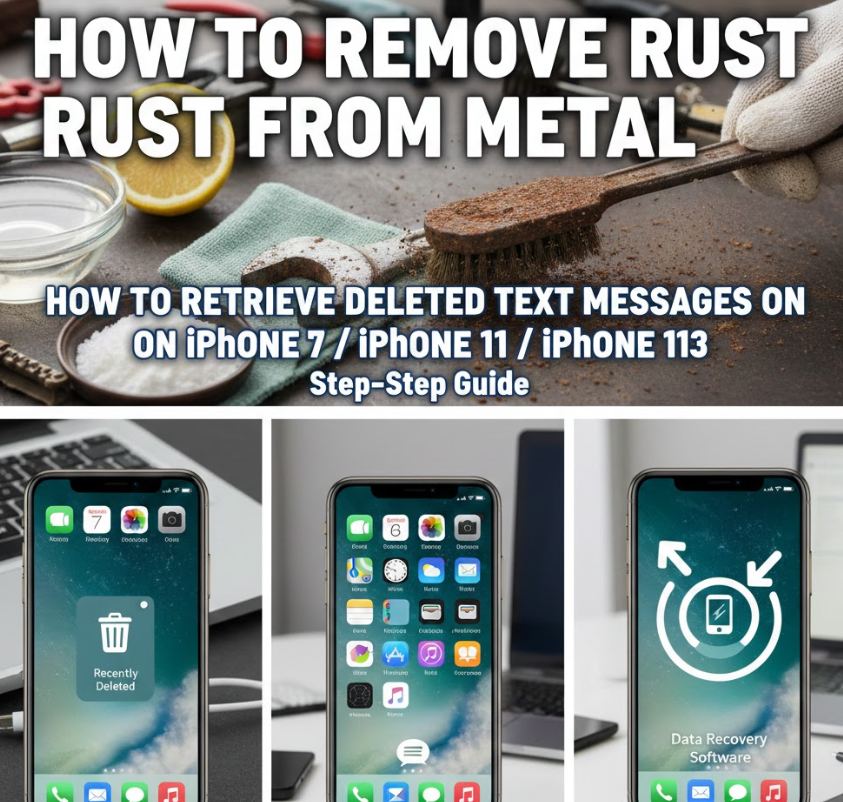
Different iPhone models share recovery logic but vary by iOS version.
Detailed Explanation
Hardware differences matter less than software support.
• iOS Version Features
Newer iOS versions include better message retention.
• Backup Compatibility
Older backups may not restore on newer iOS versions.
• Device Reset Requirements
Restoring requires erasing current content.
• Performance Considerations
Older models may take longer to restore.
• iCloud Sync Delays
Sync timing affects backup accuracy.
• Apple Ecosystem Advantage
Seamless integration improves reliability.
Also Read This:- How to Make Powdered Sugar at Home Easily
How to Retrieve Deleted Text Messages from iPhone / from iCloud
iCloud remains Apple’s most reliable recovery solution.
Detailed Explanation
Cloud-based recovery emphasizes proactive backups.
• Backup Verification
Confirm backup exists before restoring.
• Selective Data Recovery
Some tools extract messages without full restore.
• Wi-Fi Stability
Stable internet ensures smooth restoration.
• Account Authentication
Two-factor authentication may be required.
• Storage Limits
Insufficient space interrupts recovery.
• Privacy Compliance
iCloud uses encryption for message security.
Also Read This:- How to Season a Cast Iron Skillet: Expert Tips for Perfect Non-Stick Cooking
How to Retrieve Deleted Text Messages on Google Messages
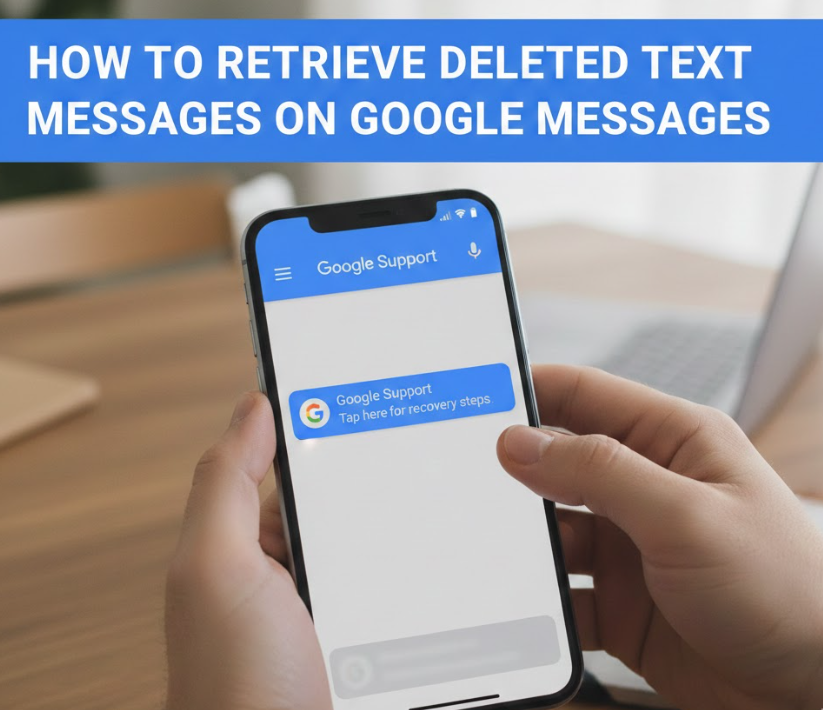
Google Messages includes built-in recovery and archive features.
Detailed Explanation
Many users overlook Google Messages’ hidden recovery options.
• Archived Conversations
Messages may be archived instead of deleted.
• Spam Folder Review
Messages sometimes auto-filter as spam.
• Google Account Sync
Messages sync across devices when enabled.
• Device Restore Option
Google backup restores messages during setup.
• Cross-Device Recovery
Messages may still exist on linked devices.
• Security Settings
Enable backup encryption for safety.
Also Read This:- How to Pop Your Ears: Effective Methods for Immediate Relief
How to Retrieve Deleted Text Messages from Another Phone (Free Methods)
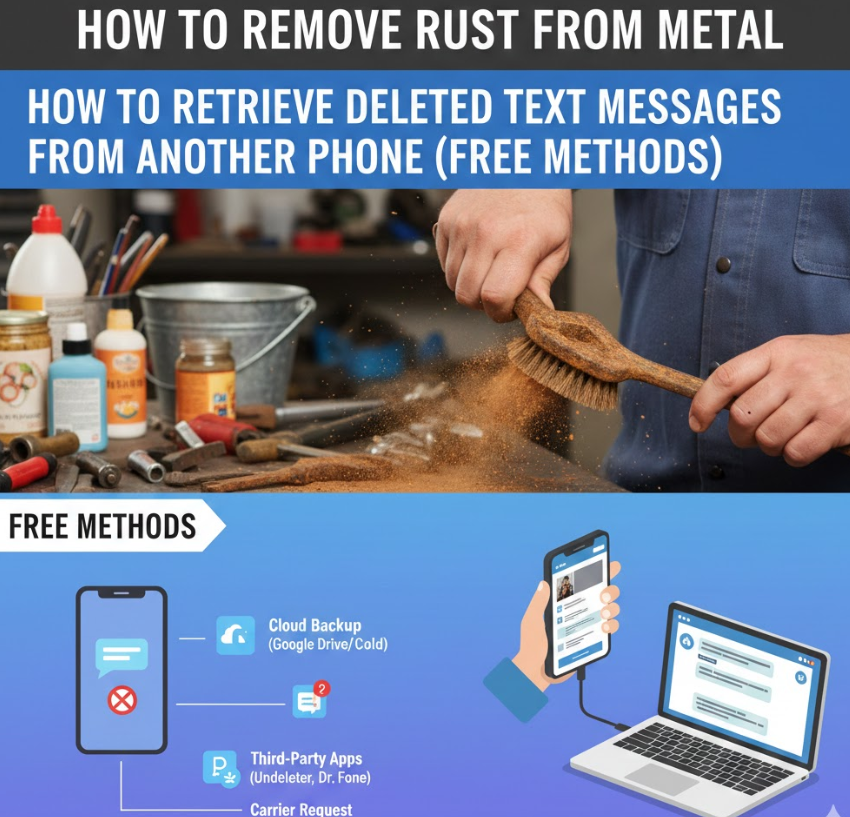
Free recovery options exist but have limitations.
Detailed Explanation
Access depends on backups, shared accounts, or synced devices.
• Shared Google or Apple ID
Messages may sync across devices.
• Carrier Online Accounts
Some carriers show limited message history.
• Family Sharing
Apple Family Sharing may store backups.
• Linked Devices
Tablets or secondary phones may still have messages.
• Messaging App Sync
Apps like WhatsApp sync across devices.
• Legal Permission
Ensure consent before accessing another phone.
Also Read This:- What Does Media Upload Mean on Snapchat? A Complete User-Friendly Guide
How to Retrieve Deleted Text Messages on WhatsApp
WhatsApp recovery relies heavily on cloud backups.
Detailed Explanation
WhatsApp deletes messages locally but retains cloud backups.
• Google Drive / iCloud Backup
Restore during app reinstallation.
• Backup Frequency
Daily backups improve success rates.
• Same Phone Number Requirement
Account verification is mandatory.
• Local Backup Files
Android stores local WhatsApp backups.
• Time Sensitivity
Messages sent after backup will be lost.
• End-to-End Encryption
Protects message privacy during recovery.
Also Read This:- What Does Media Upload Mean on Snapchat? A Complete User-Friendly Guide
How to Retrieve Deleted Text Messages from Motorola Phone
Motorola phones rely on stock Android recovery methods.
Detailed Explanation
Recovery mirrors general Android practices.
• Google Backup Restore
Primary recovery option.
• Local Backup Checks
Some Motorola models store local backups.
• Google Messages Archive
Commonly overlooked feature.
• Third-Party Tools
Use reputable software only.
• Minimal Usage Post-Deletion
Increases recovery chance.
• System Updates
Keep phone updated for backup stability.
Conclusion
Understanding how to retrieve deleted text messages requires awareness, preparation, and timely action. Whether you use Android, iPhone, Samsung, Motorola, or messaging apps like WhatsApp, recovery is often possible through backups, archives, and synced accounts. The key to success lies in enabling backups before loss occurs and acting quickly after deletion.
By following the methods outlined in this guide, users can safely recover important messages while protecting privacy and data integrity. Message recovery is not guaranteed, but informed decisions significantly improve success rates.
FAQs
Can deleted text messages be recovered without a backup?
Sometimes, but success is limited and time-sensitive.
Do carriers store deleted messages?
Usually only metadata, not message content.
Is third-party recovery software safe?
Only if reputable and used cautiously.
Visit For More Information go to:- Virtualsmagazine