
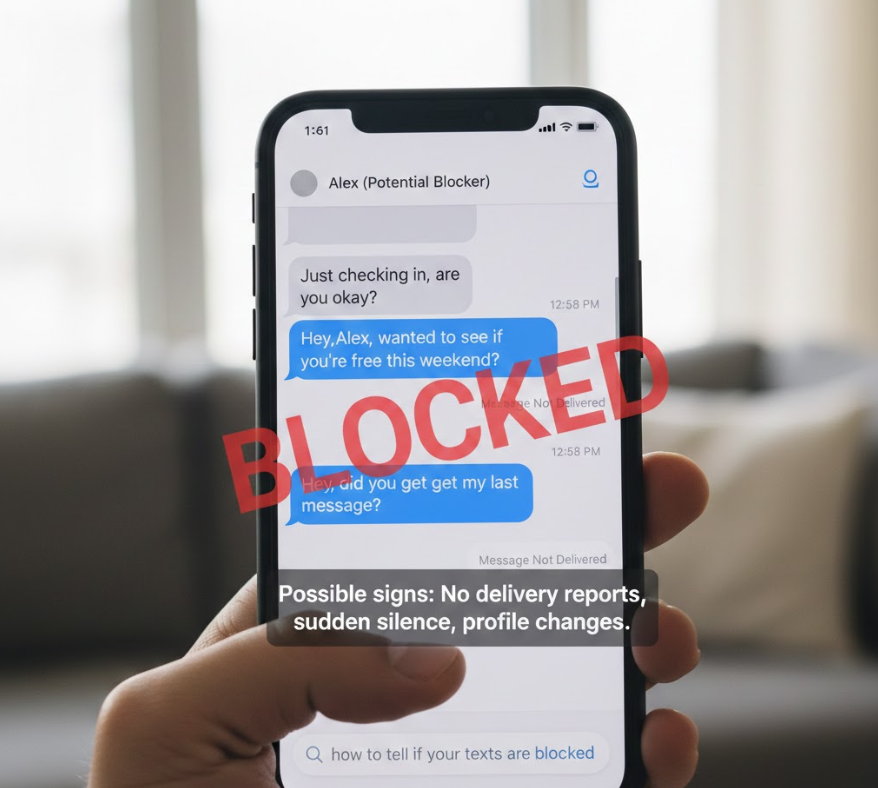

Wondering how to tell if your texts are blocked can be stressful, confusing, and emotionally charged—especially when messages suddenly go unanswered. Whether you’re using Android, iPhone, Samsung, iMessage, or Messenger, text blocking doesn’t always come with a clear notification. Instead, you’re left to interpret subtle technical and behavioral clues.
This expert guide explains how to tell if your texts are blocked across platforms using reliable signs, technical behaviors, and real-world examples. Drawing on mobile communication standards, OS behavior, and messaging system design, this article provides clarity without speculation—helping you understand what’s happening, why it happens, and what to do next.
How to Tell If Your Texts Are Blocked?
Understanding whether your texts are blocked requires recognizing patterns rather than relying on a single sign. No phone system explicitly alerts users when they’re blocked, but consistent indicators can strongly suggest it.
• Messages send but never receive replies
When texts consistently show as “sent” but are never answered—especially after a sudden change in behavior—it may indicate blocking. While silence alone doesn’t confirm blocking, long-term non-delivery combined with other signs strengthens the likelihood.
• No delivery confirmations over time
On many platforms, delivery receipts (“Delivered” or “Read”) suddenly disappearing can signal a block. This is especially relevant when the recipient previously had read receipts enabled.
• Calls go straight to voicemail
If phone calls consistently bypass ringing and go directly to voicemail, this can indicate call blocking, which often accompanies text blocking.
• Profile visibility changes
In messaging apps, blocked users often lose visibility of profile photos, statuses, or last-seen timestamps.
• Platform-specific behavior consistency
When the same behavior occurs across SMS, iMessage, or messaging apps, it becomes more telling than a single platform issue.
• No error messages returned
Blocked messages usually disappear silently rather than bouncing back with errors, making behavioral patterns more important than alerts.
Also Read This:- How to Breed Horses in Minecraft: Complete Guide for All Editions & Versions
How to Tell If Your Texts Are Blocked Android
Android devices handle SMS and RCS (Rich Communication Services) differently, which affects how blocking appears.
• SMS messages show as “sent” only
On Android, blocked SMS messages typically show as sent but never delivered. Unlike network failures, there’s no “failed” notification.
• RCS chat features stop working
If you were using Google Messages with chat features, read receipts and typing indicators may suddenly vanish.
• Calls immediately route to voicemail
Repeated instant voicemail routing can indicate your number is blocked at the device level.
• No response across carriers
Carrier issues usually resolve within hours. If silence persists for days or weeks, blocking becomes more likely.
• Profile picture disappears in Google Messages
Some Android implementations hide contact photos when blocked.
• Behavior remains consistent across Wi-Fi and mobile data
This consistency suggests blocking rather than connectivity issues.
Also Read This:- How to Retrieve Deleted Text Messages: Complete Step-by-Step Recovery Guide
How to Tell If Your Texts Are Blocked iPhone
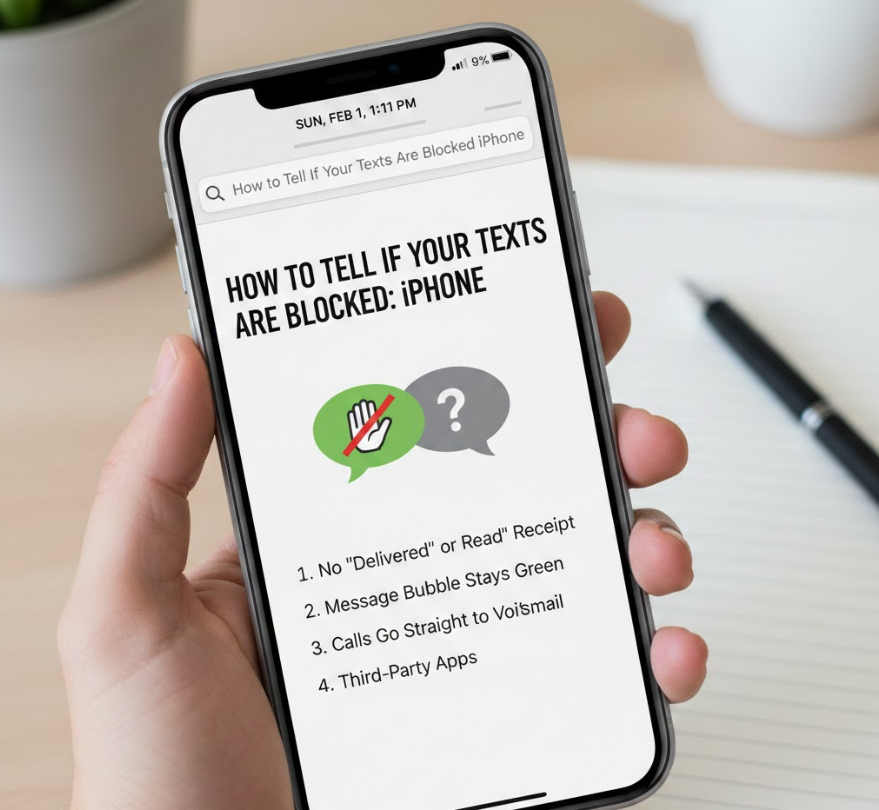
Apple’s messaging ecosystem provides clearer—but still indirect—signals when blocking occurs.
• iMessage switches to SMS
If iMessages suddenly send as green SMS instead of blue bubbles, blocking may be the cause—though network issues can also trigger this.
• No “Delivered” or “Read” status
When delivery confirmations disappear entirely, it can indicate blocking.
• FaceTime calls fail silently
Blocked FaceTime calls won’t ring and may fail instantly.
• No typing indicators
If typing indicators abruptly stop appearing after consistent prior use, blocking is possible.
• Voicemail behavior changes
Calls go straight to voicemail without ringing.
• Consistent behavior across Apple services
When iMessage, FaceTime, and calls all fail similarly, blocking becomes more likely.
Also Read This:- How to Remove Rust From Metal: Complete Practical Guide for Every Surface
How to Tell If Your Texts Are Blocked on Samsung
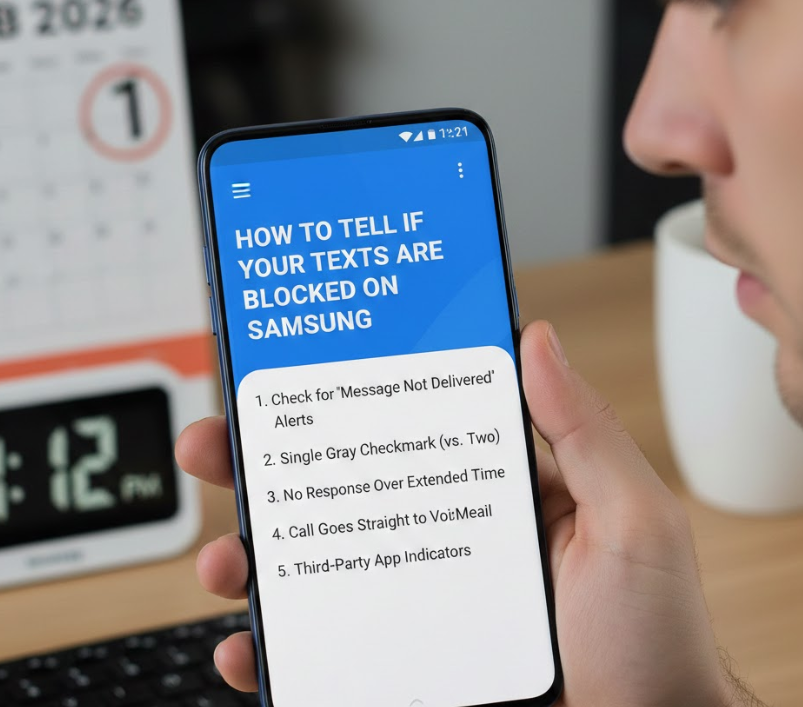
Samsung phones use Android but add proprietary messaging layers that affect visibility.
• Samsung Messages lacks delivery updates
Blocked texts usually appear sent with no further status.
• RCS features disappear
Typing indicators and read receipts stop functioning.
• Instant voicemail routing
Consistent call behavior supports the blocking possibility.
• Contact card information disappears
Profile photos or shared content may no longer display.
• No bounce-back errors
Samsung blocking does not notify the sender.
• Persistent pattern over time
Short-term silence may be coincidence; long-term silence is more telling.
Also Read This:- How to Get Rid of Carpenter Bees: The Complete Home Guide
How to Tell If Your Texts Are Blocked on iPhone
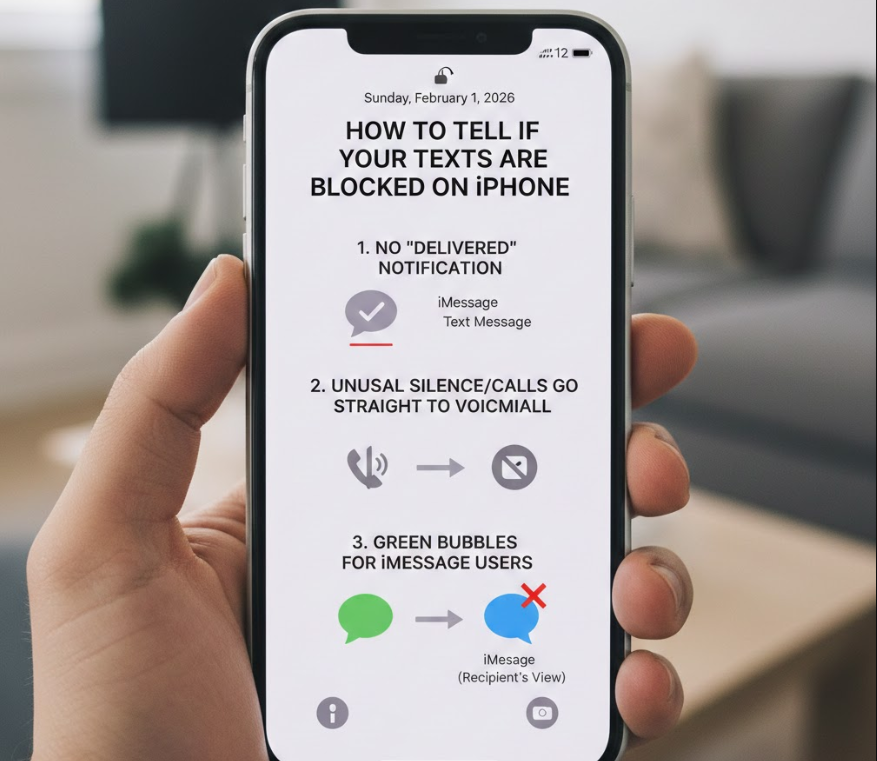
This focuses specifically on Apple’s native behavior across iOS versions.
• Blue messages never show “Delivered”
A key iOS indicator when previously enabled.
• SMS fallback fails to get replies
When both iMessage and SMS go unanswered, blocking is more likely.
• Apple ID contact invisibility
Shared Apple contact features may disappear.
• FaceTime availability removed
Blocked users cannot initiate FaceTime.
• Silence across devices
If the user owns multiple Apple devices, blocking applies across all.
• Consistent pattern beyond outages
Apple service outages are rare and temporary.
Also Read This:- How to Get Ink Out of Clothes: Proven Methods That Actually Work
How to Tell If Your Texts Are Blocked on Android
This broader Android explanation includes carrier and OS behavior.
• Carrier-level silence
Blocked SMS messages are accepted by the carrier but discarded by the device.
• No delivery failure alerts
Unlike disconnected numbers, blocked texts don’t bounce back.
• RCS inconsistencies stop entirely
Read receipts disappear permanently.
• Blocked calls behave identically
Voice and text blocking often coexist.
• No confirmation from the OS
Android prioritizes privacy for the blocker.
• Pattern recognition matters most
One sign alone isn’t proof—multiple signs together are.
Also Read This:- How to Replace Windshield Wipers: A Complete, Vehicle-Specific Guide for Safe Driving
iMessage: How to Tell If Your Texts Are Blocked
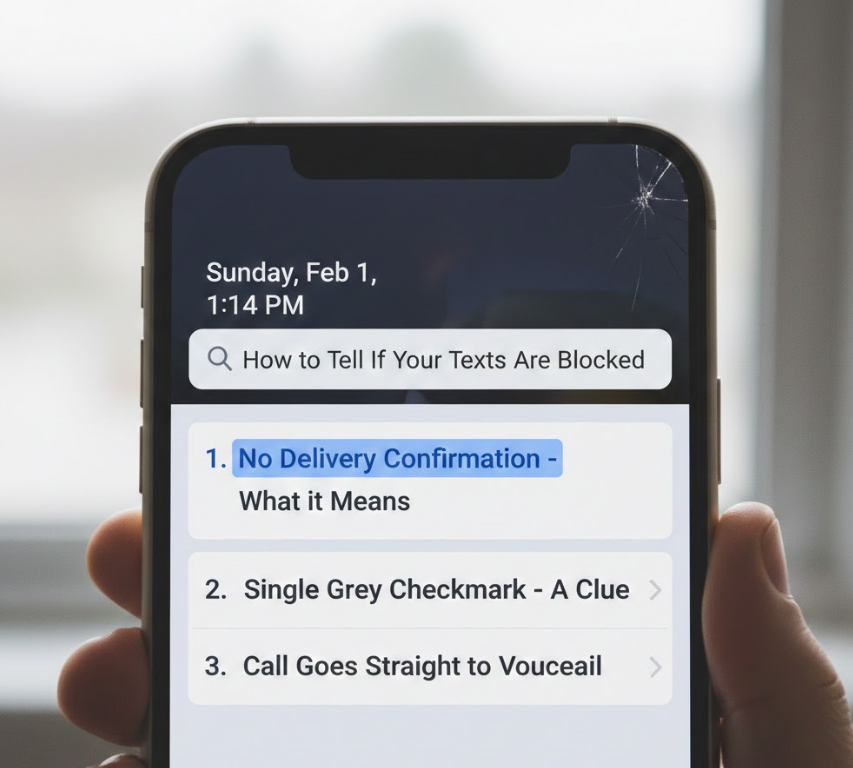
iMessage provides the clearest technical indicators but still avoids direct confirmation.
• “Delivered” never appears
Even after hours or days.
• Messages remain blue but silent
iMessage still sends but isn’t received.
• No read receipts despite settings
If read receipts were previously on.
• FaceTime instantly fails
A strong indicator when combined with text silence.
• Apple ID invisibility
Shared features vanish.
• Consistent across iOS updates
Behavior remains the same regardless of version.
Also Read This:- How to Remove a Stripped Screw: The Complete Step-by-Step Guide for Every Situation
Messenger: How to Tell If Your Texts Are Blocked
Facebook Messenger uses different blocking logic than SMS.
• Messages show “Sent” but not “Delivered”
Blocked messages never reach delivery status.
• Profile picture disappears
Often replaced with a gray silhouette.
• Cannot see active status
Online indicators vanish.
• Calls fail silently
Messenger calls won’t ring.
• You can still see the profile
Blocked users can see profiles but not interact.
• No notification of blocking
Messenger never alerts senders.
Also Read This:- How to Cancel Audible Membership: The Complete 2025 Guide
Conclusion
Understanding how to tell if your texts are blocked requires patience, technical awareness, and pattern recognition. No platform will notify you directly—but consistent signs across messaging status, calling behavior, and profile visibility strongly suggest blocking. Whether you’re on Android, iPhone, Samsung, iMessage, or Messenger, the key is looking at the big picture, not a single clue.
Respecting boundaries, avoiding repeated contact attempts, and communicating through alternative means—if appropriate—are always the healthiest next steps.
Frequently Asked Questions
Can someone block my texts but not my calls?
Yes. Blocking settings can apply differently depending on device and app.
Do blocked texts ever show as delivered?
Usually no. They appear sent but not delivered.
Can carrier issues mimic blocking?
Temporarily, yes—but not consistently over long periods.
Visit For More Information go to:- Virtualsmagazine